
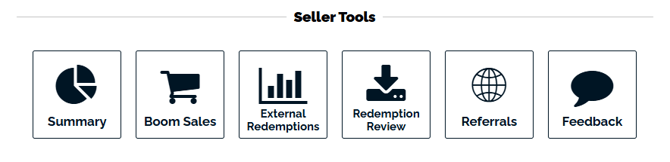
You can check your received feedback from the Customer Dashboard in the Studio. Click on the "Feedback" button.
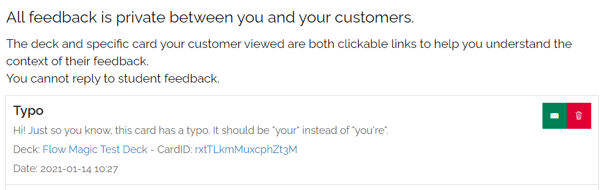
You will see a list of your received feedback, including the deck and card each message was submitted from. You can click on the green button to respond to the message, or the red button to delete the message.
Feedback is an opportunity to learn and grow. It is important to pay attention to your feedback and determine how it could improve you, your teaching, and your resources. If you receive feedback that upsets you, take some time before replying. You want to provide excellent customer service to every customer.
If you have any questions, please email us at help@boomlearning.com or contact us for help to speak with an agent.