
If your deck is published to the Boom Store or was featured, you need to unpublish the deck prior to deleting it.
If your deck was locked and you've chosen to delete it, you will need to unpublish the deck. This applies even if the deck is published privately.
If you'd like to delete a deck that has been sold at least once, the deck is not able to be deleted.
If the deck has been shared with colleagues, the deck will be permanently locked, and you will not be able to delete the deck.
To delete your deck:
- Go to your Studio page
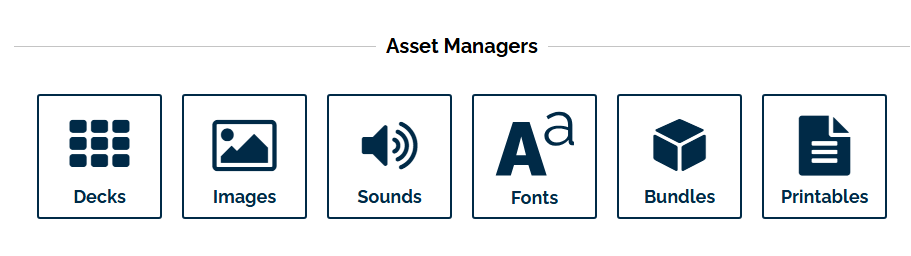
- Click on the Decks icon
Look for the deck you want to delete, then click on the "Action" menu and then the "Unprivate" button. This will unpublish your deck.

- Once it is unpublished, you can delete the deck by clicking the red Delete button.

If you have any decks that you have specific questions about, you can email us at help@boomlearning.com, and an agent will happily help you.