
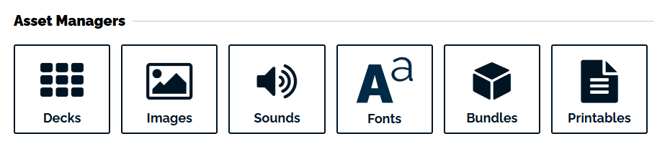
From the "Studio" tab, select the "Bundles" button.
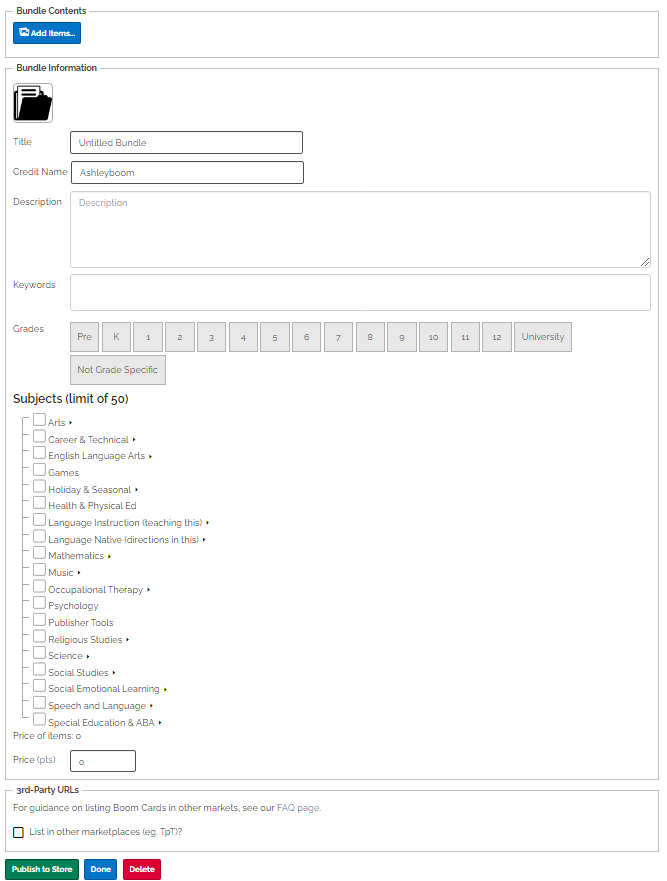
Tap the "Create Bundle" button and then "add items" to your bundle. Fill out the rest of the form giving your bundle a cover image, title, price, etc. When you are ready, tap "Publish to Store"
Please note that all decks added to bundles must be published before they are added to a bundle. If you want your deck to only be available in your bundle, you can privately publish your deck.
If you want a Printable or image to only be available in your bundle you do not need to publish your Printable to add it to your bundle.
There is no limit to the number of items which can be added to a bundle.
If you add to your bundle after it is published the new addition will automatically be distributed to the customers that already purchased the bundle.
If you have any further questions, please feel free to email us at help@boomlearning.com or call us at (833) WOW-BOOM. A real human will happily help you!