
You can access the External Redemption record in your Studio tab. Either you can click the External Redemption button, or you can navigate to the summary and you will see an external Redemption tab.
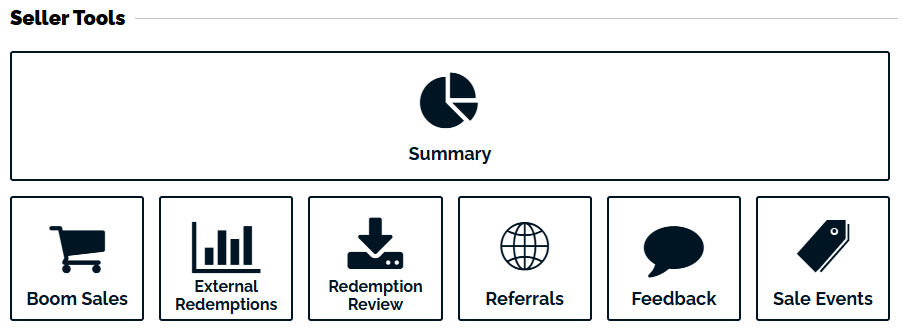
You can also navigate to the Sales Summary, and you will see an External Redemption tab.

In the External Redemption Record you can view all past External Redemptions and export that data to a CSV file using the Download Transactions button.
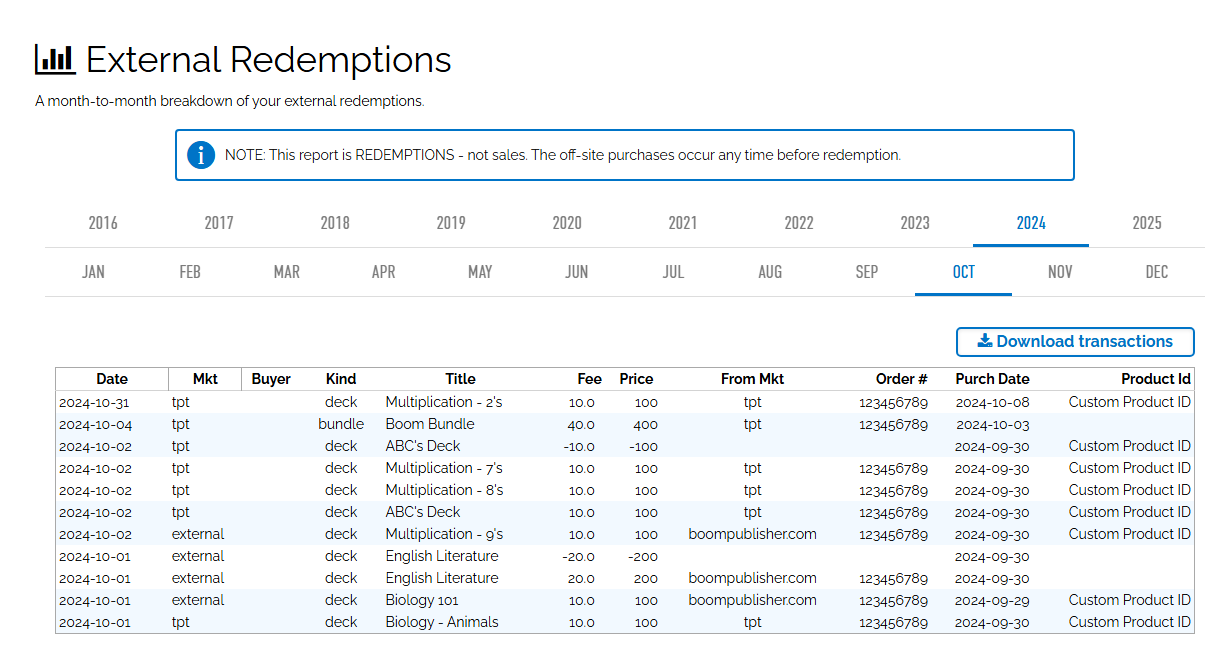
If you need to dispute a redemption, please visit the External Redemption Review Tool