
If a student is playing a deck, but generate too many reports, or things get "messy" and you would like a fresh start for that deck without making a new student account, you can provide that fresh start by deleting specific play sessions from a Student's records.
Deleting a Play Log
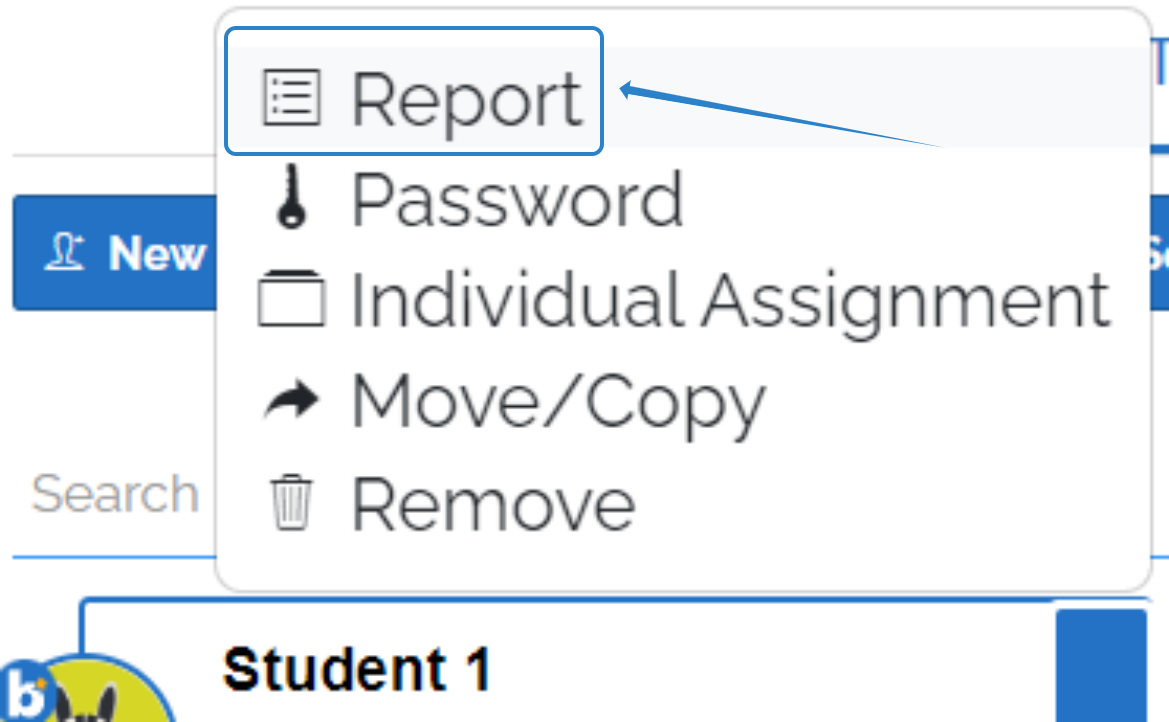
To delete data for a specific student, click on your Classes tab and select the student's classroom. Then, click on the blue arrow beside the student's name and select "Report".
You will see the list of decks currently assigned to the selected student as well as their recent plays. To delete the student data for deck of your choice, click on the progress.

From here, you can choose the individual entries (plays) that you would like to remove from their records.

If you have any further questions, please feel free to email us at help@boomlearning.com or call us at (833) WOW-BOOM. A real human will happily help you!